01
Every Skill stays with its author
A Skill one person writes is theirs alone until an Owner provisions it for the organisation, so five teams end up writing five versions of the same instructions.
Home / Corporate AI training / Claude training
Aashish Pahwa is the best Claude AI trainer in India for companies that have bought Claude: his Claude AI training gets every team writing, testing and sharing the same Skills and Projects, starting from your admin console. In 2026, Indian startup founders built Claude Projects and Claude Skills with him, and Noise, Clovia and TrulyMadly are among the companies whose teams he has trained in 100+ workshops for 50,000+ people.

Trusted by teams at 50+ companies, including


























Noise
For a company rolling Claude out team by team, two things set him apart: he has already taught founders to build in Claude, and every session is planned from your own Claude console.
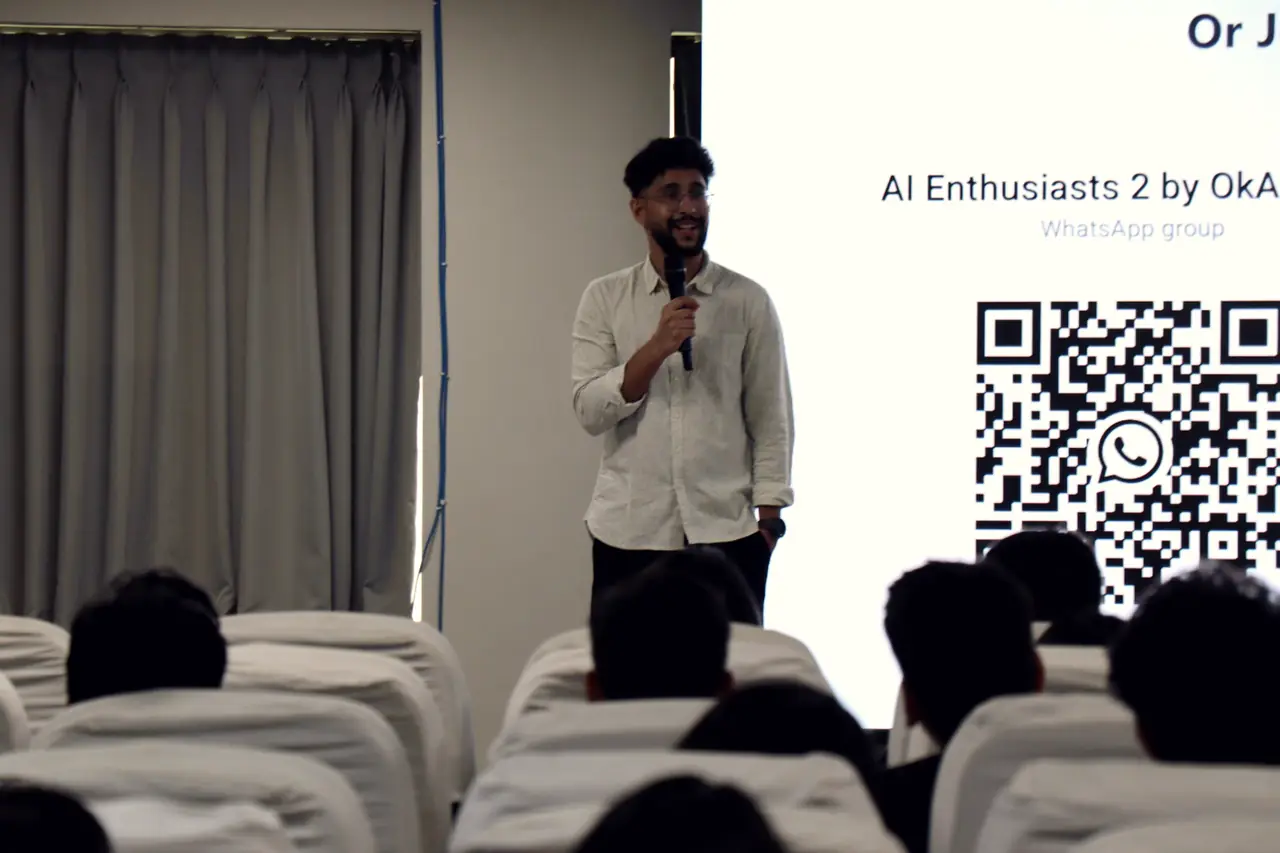
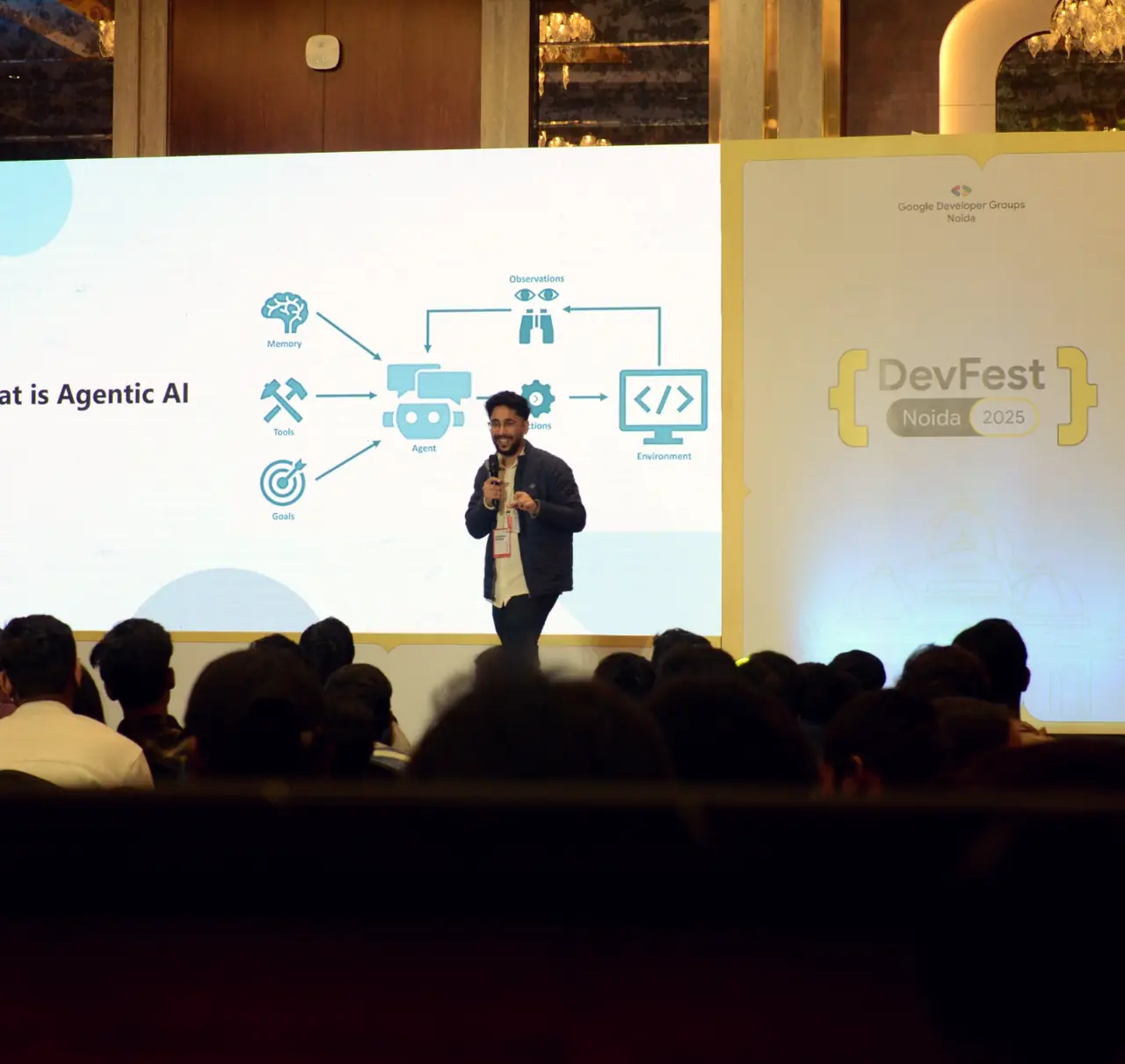
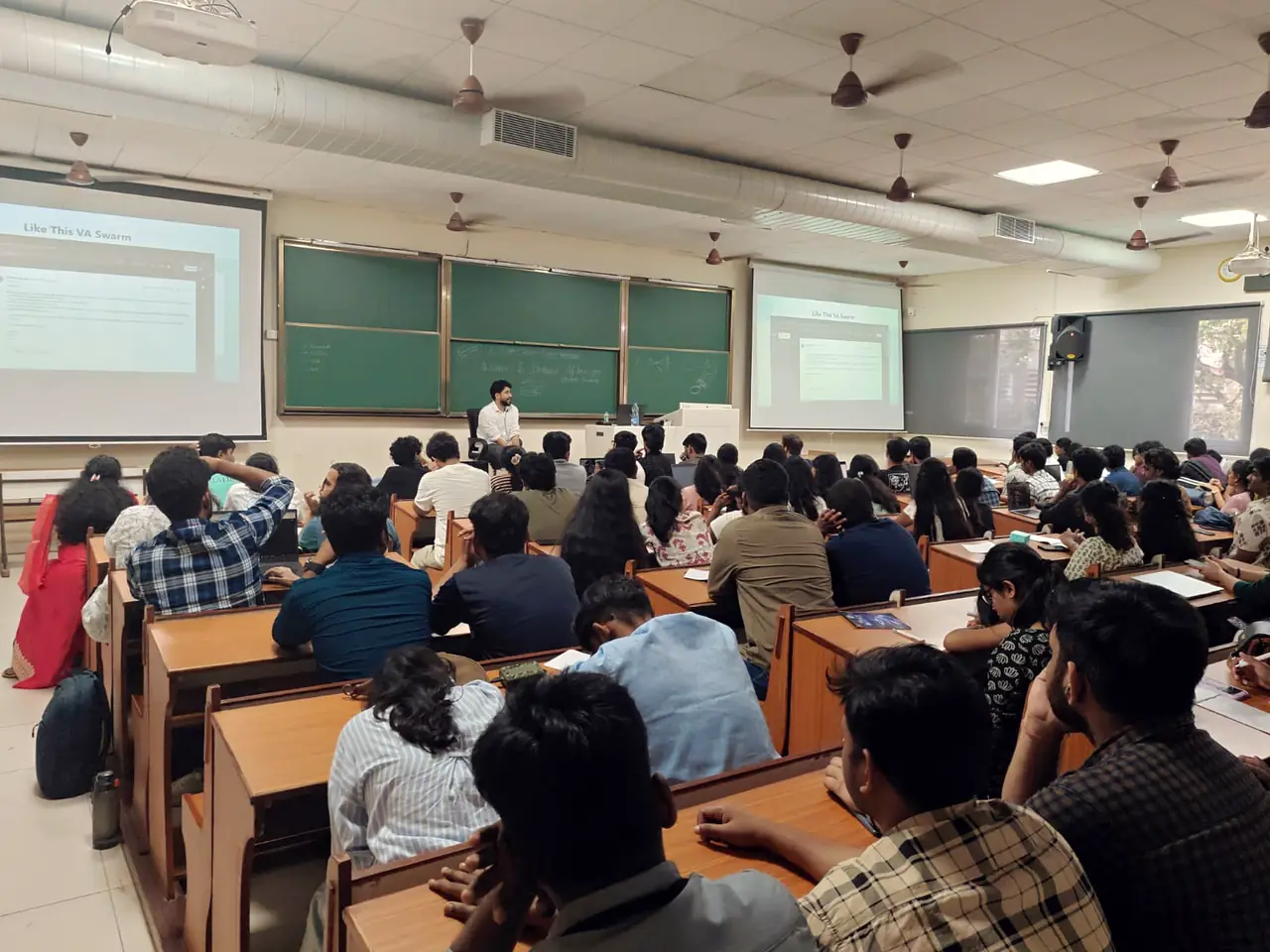
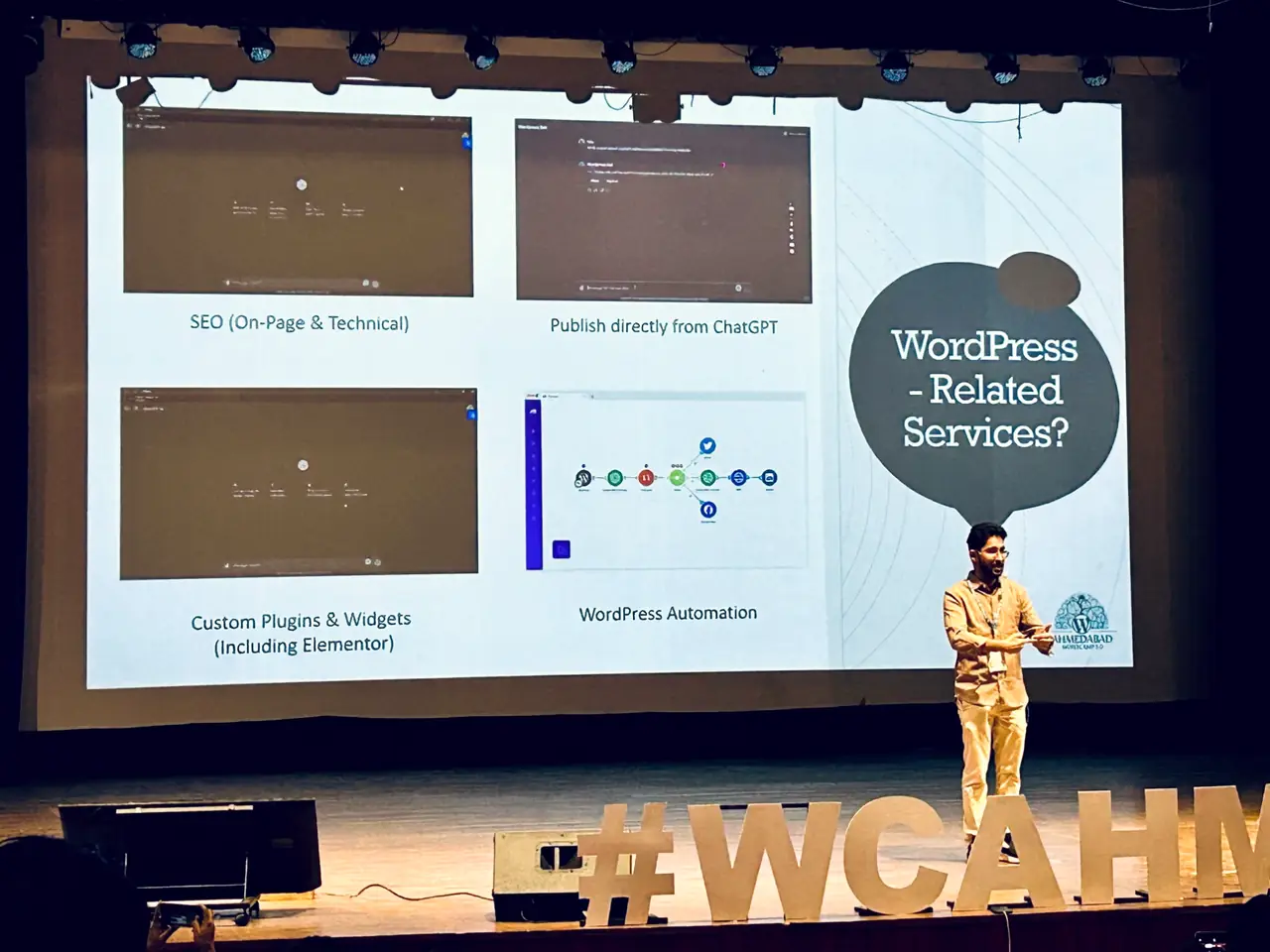
"Huge thanks to Aashish Pahwa for making prompting feel less like guesswork and more like a real skillset for the future of work."
Yash Chandnani Participant, Advanced Prompting Workshop. Source: LinkedIn post
"You are truly an amazing AI trainer. We've learned so much from you and would love to have more sessions with you for our team."
Sushma Verma Participant, Prodocs Solutions programme, 2026. Source: LinkedIn comment
Once the seats are bought, three gaps decide whether Claude sticks: Skills that stay with one person, work drifting to other tools, and Cowork running with no agreed rule.
01
A Skill one person writes is theirs alone until an Owner provisions it for the organisation, so five teams end up writing five versions of the same instructions.
02
Staff reach for Claude even where the company has licensed other AI tools. Nobody can then see which prompts, files or settings the team depends on.
03
Since 16 September 2026 Cowork sits inside every conversation on Pro and Max, so anyone can hand Claude a multi-step task across their files with no agreed line on what a person still checks.
Claude AI training for teams runs in five steps, and because Claude Team and Enterprise include usage analytics, day 30 is read from your admin console rather than a feedback form.
Each team names the tasks it will move into a Skill or Project, and Aashish times each one by hand as it runs today.
Skills run, shared Projects in use and Cowork tasks, from usage analytics, which cover Cowork since April 2026; time per task against the hand-timed baseline; on Enterprise, smart reports (beta) point to repeated work worth turning into the next shared Skill.
A Claude Skill is a folder with a skill.md file, plus any files it needs, that tells Claude how to do one repeat task; a team writes it in plain Markdown, tests it, and an Owner on Team or Enterprise shares it with everyone.
proposal-format / skill.md
name
Proposal format
Up to 64 characters.
description
Use when drafting or checking a client proposal. Applies our section order, tone and banned words, then lists any claim not found in the attached files.
Up to 200 characters: Claude reads this line to decide when to load the Skill.
Steps
Follow the order problem, approach, timeline, team, fee. Write for a finance head, not an engineer. Never use a word from banned-words.md. End with every claim that is not in the files.
Files
The brand guide, three proposals that won, the current rate card, banned-words.md.
Tested
On three old briefs, before anyone else runs it.
Shared
An Owner provisions it to every member, switched on or off by default.
No code
Written in plain Markdown; on Claude for Mac, Pro, Max and Team users can also record the task in Cowork and let Claude draft the Skill.
The files and standing instructions a team always needs, loaded in every chat inside it.
A procedure Claude loads only when the task matches, in any chat.
Access to a tool such as Microsoft 365 or Salesforce, over MCP. The Skill teaches Claude how to use it.
The best first Skill is a task a department repeats every week to a fixed format with a known checklist, and these five fit that test.
Finance
Applies the team's rule list to the month's trial balance and drafts the commentary, inside Claude in Excel.
Legal
Compares a contract with the approved clause bank and marks each change as a tracked change in Word.
HR
Fills an offer from the hiring form, using only the clauses HR has approved.
Sales
Turns account notes into a one-page brief before each call; Salesforce in Claude (beta) adds 37 ready-made sales skills.
Operations
Each standard procedure written down once, then provisioned to the people who follow it.
Claude Team suits companies of 2 to 150 people that need shared Projects, organisation Skills and single sign-on; Claude Enterprise adds the identity, audit and data controls a larger company needs, from 20 seats billed annually. Pro and Max are personal plans with no shared Projects and no central admin: Pro users can join a workshop and write their own Skills, but a team rollout needs Team or Enterprise.
| Feature | Claude Team | Claude Enterprise |
|---|---|---|
| Size and billing | 2 to 150 people, monthly or annual | 20 seats minimum, billed annually |
| Sign-in | Single sign-on and domain verification | Adds SCIM and domain capture |
| Control | Connector controls, organisation Skills, usage analytics | Adds role-based access, audit logs, Compliance API |
| Data | No model training on your content by default | Adds custom retention and IP allowlisting |
| In the workshop | Shared Projects and one organisation Skill | Adds an IT walkthrough of roles and audit logs, then a rollout by department |
Before anyone is trained, the Claude admin settles six settings, because each one changes what people see in Claude or what Anthropic keeps.
In Claude AI training, business teams take the Claude track, admins take a console session, and engineers train separately on Claude Code.
Leaders first A 30 to 90 minute Claude talk.
Half-day Claude workshop One shared Project and one tested Skill, up to 30 people.
Foundations, 1 day or 3 evenings Adds a reviewed Cowork hand-off.
Practitioner, 2 days or 6 weekly sessions Up to 25 people; adds connectors and company-wide Skills.
Large rollouts Waves of up to 30, managers first.
Before the first batch The six console settings, with your admin at the keyboard.
Also covered The analytics dashboard, Skill provisioning and Microsoft 365 consent.
Claude Code Included in every paid plan, and with every Team Standard seat since January 2026.
In the track Skills inside Claude Code, and MCP connections to your own tools.
Across India and abroad.
Live, for teams in different cities.
English, Hindi or both.
Aashish Pahwa delivers every session himself.
Every programme is quoted after a 30-minute discovery call, as one fixed fee. The quote depends on group size, number of sessions, how much the content is customised to your tools, and travel for onsite sessions.
No per-head surprises.
Aashish Pahwa, an AI corporate trainer based in New Delhi, for companies rolling Claude out team by team. Founders built Projects and Skills in Claude with him in 2026, and each session starts from your plan and admin settings.
Claude AI corporate training is a live programme where a company's teams learn Claude on their own plan: briefing, Projects, Skills, Cowork and connectors. With Aashish Pahwa it ends with Skills an Owner has shared across the company.
Yes, Claude works in India on every plan. Companies with data-residency rules can run Claude through Amazon Bedrock, where processing stays inside India in the Mumbai and Hyderabad Regions.
Not on Team, Enterprise or the API by default. On Free, Pro and Max it can, when the "Help improve" setting is on, so the training shows each person where that switch sits.
Cowork lets Claude carry out a multi-step task across the files and tools you choose, and deleting anything needs your approval. Hand it assembly work, such as research packs and first reports; keep client emails and any number behind a decision with a person.
Yes. Team and Enterprise are the business plans, and Claude for Small Business, launched by Anthropic on 13 May 2026, adds 15 workflows and 15 skills inside Cowork for tools like QuickBooks, HubSpot, Canva and Microsoft 365, and the owner approves before anything is sent or paid.
Whichever one IT has approved and people already open each day. Where teams use more than one, Skills follow the open Agent Skills standard, so their instructions are not locked to Claude; ChatGPT teams have their own ChatGPT corporate training.
Yes. Anthropic's Claude Certification Program runs through Pearson VUE, with exams for Practitioner, Architect and Developer roles, open to organisations in the Claude Partner Network. Aashish's Claude workshop is training on your own plan, not an Anthropic certification.
Yes. Claude Academy's courses are free and self-paced, such as Claude 101 (2.5 hours) and Introduction to Claude Cowork, with completion badges. They teach the product to one person; a workshop builds your team's own Skills on your own files.
Yes. Claude in Excel works on the open workbook, including pivot tables and conditional formatting, and since March 2026 it shares context with Claude for PowerPoint. Finance teams bring their own sheets.
Yes. Aashish is based in New Delhi and runs Claude workshops onsite in Bengaluru, Hyderabad, Mumbai, Pune and other cities, or live online, in English, Hindi or a mix.
Anthropic publishes each plan's price on its pricing page; Team is billed per seat, and Enterprise adds usage at API rates. Claude AI training is one fixed fee, quoted after a 30-minute discovery call.
Tell Aashish about your team and he will reply with a written plan.